
Estimate the time before you start
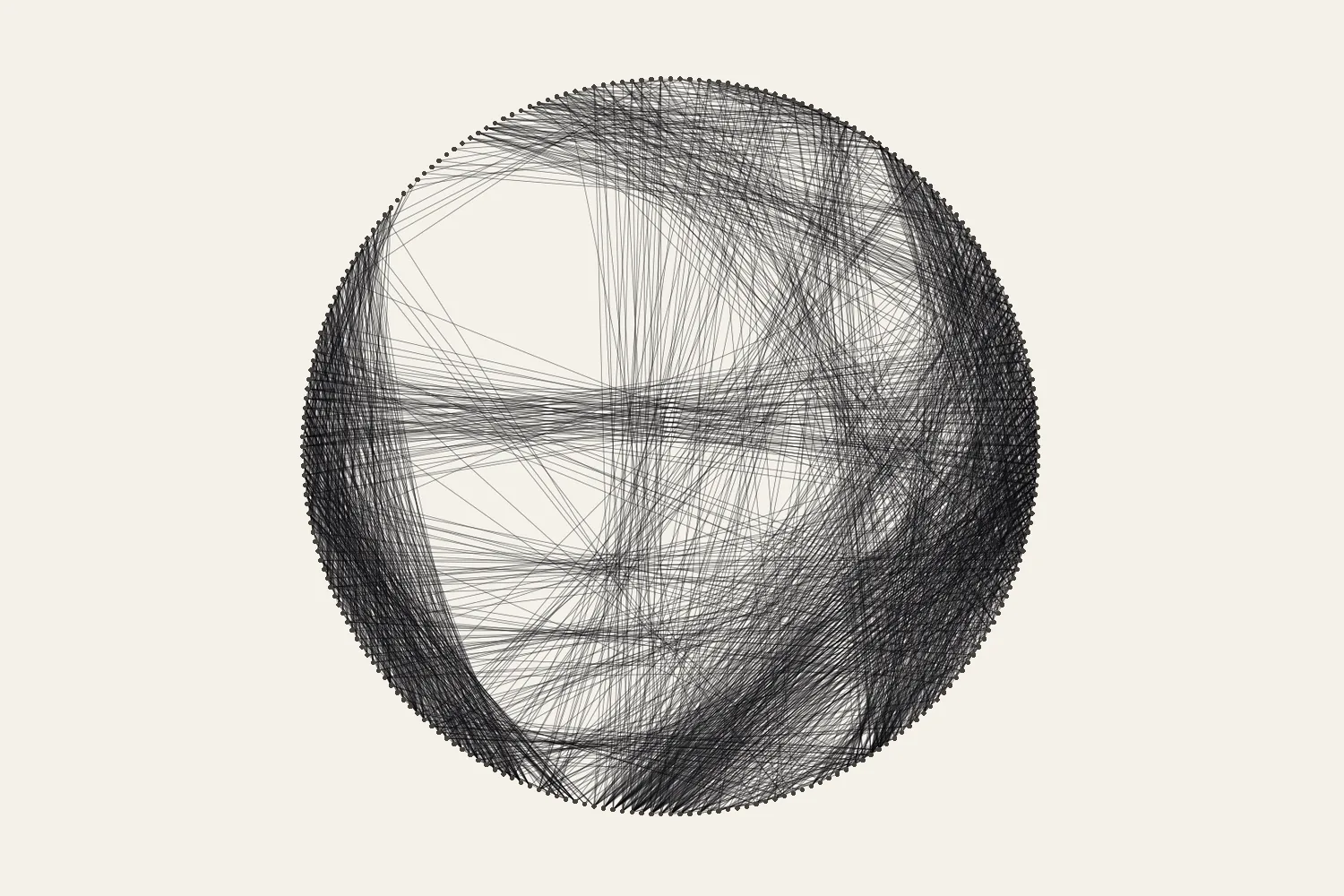
A thread portrait is a long piece of handwork. The studio shows a making time for every generated pattern, calculated at about seven seconds per connection: find the next nail, carry the thread across, wrap it and set the tension. A 3,000-connection portrait therefore comes to roughly six hours of winding. Setting out nails, breaks and the occasional mistake come on top of that.
Your own pace will differ. Winding speeds up once the movement becomes routine, and slows down on a dense board where the nails are hard to reach. Time your first hundred connections with the session timer in making mode, then recalculate. If a hundred connections take fifteen minutes, that is nine seconds each, and a 3,000-connection pattern is closer to seven and a half hours. Making mode also shows the time left at the pace you choose for playback.
If the total is more than you want to spend, go back to the studio before you buy materials. A lighter version of the same subject with fewer connections is often the better piece, and the guide to how the generator works explains why extra lines do not always help.
Split the work into sessions
Few people finish a portrait in one sitting, and there is no reason to try. Sessions of an hour or two keep your attention on the numbers, which matters more than speed: one connection to the wrong nail is easy to undo straight away and hard to find later.
Decide on natural stopping points in advance. Round numbers such as every 500 connections work well, and in a colour pattern the end of each thread layer is an obvious place to stop. Note the connection number and the date in the project notes when you finish a session. Over a few sessions this also tells you your real pace.
Set up the space
Put the screen where you can read the next nail number without bending over the board. A tablet or phone on a stand beside the board works well; a QR code in the studio opens the same pattern on your phone. Prop the board at a slight angle or clamp it so it cannot slide, and sit so that you can reach the far side of the circle without stretching.
Light the board evenly from the side opposite your working hand, so your hand does not cast a shadow over the nails you are looking for. Keep the spool in a bowl or on a dowel so it can turn freely. Thread that is pulled off the end of a fixed spool twists with every turn, and a twisted thread kinks around the nails.
If your hands are busy, the voice guide can read the nail numbers aloud at a pace you set. Try it for a few connections first: speech support depends on your browser and device.
Take regular breaks
Winding repeats the same small movements thousands of times. Short, regular pauses keep your hands relaxed and your counting accurate. In making mode, the studio suggests a short break after every 15 minutes of active threading. It pauses playback, shows the connection and nail where you are, and offers a simple stretch or a reminder to rest your eyes. You can continue straight away. The break card may also show an advertisement, which is how the studio stays free to use.
Use the pause to open and close your hands, roll your shoulders, and look at something across the room for a few seconds. Step back from the board as well: from a distance you will see the image forming, and you will notice a loose strand or a nail that has started to lean. If you have pain that does not go away with rest, stop and get advice before continuing.
Pick up where you stopped
A saved project keeps your place on the device, but check the board before you trust the screen. In making mode, the current connection and the previous two are highlighted on the board view. Compare them with the last strands on the real board, starting from the nail where the thread is waiting. If they do not match, step back with the Previous button until they do.
Leave a physical marker on the current nail when you stop: a twist of tape or a coloured clip. It takes a second and removes all doubt when you come back after a few days. The thread handling guide covers what to do if you find a mistake.
Put it into practice
Try your image, inspect the preview, and save the pattern that works for your project.
Open the generator